Every POS system eventually runs into the same wall: the software lives in the cloud, but the thing it needs to control — a cash drawer, a receipt printer — is a physical box wired into a till on someone's counter, on a network the cloud has no route to. You can't fetch() a drawer open from a cloud server. Something has to run on-site.
That "something" turned into one of the more interesting systems I built as CTO of FranchiseTech, a POS platform for small food and retail businesses in Romania. Here's how it's put together.
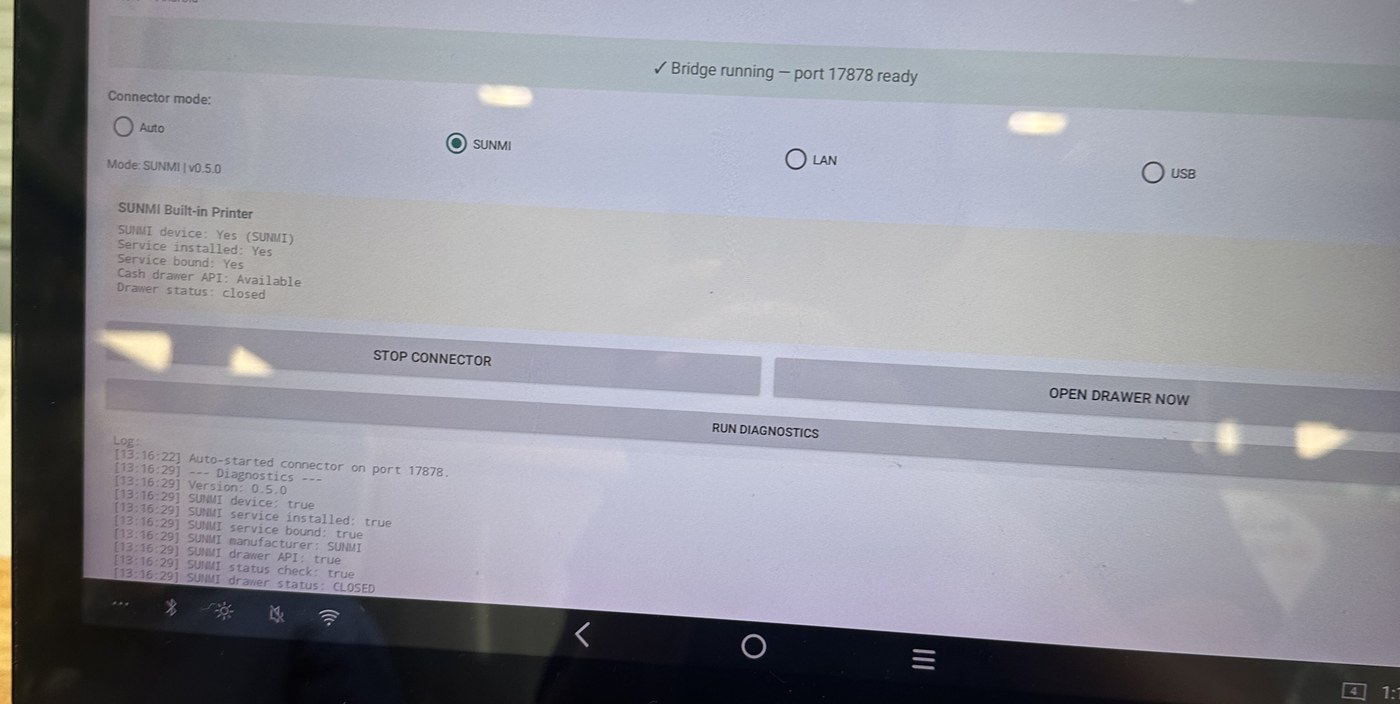
The shape of the problem
A cash drawer has no network connection of its own. It's a solenoid wired into the printer's drawer-kick port, and the printer relays a pulse to it on receiving a specific byte sequence — for most ESC/POS printers, 1B 70 00 19 FA. So "open the drawer" really means "get these five bytes onto the printer," and the printer sits on the shop's LAN or a till's USB port — unreachable from the cloud.
The fix is a small connector that runs on the till itself, listens on 127.0.0.1:17878, and translates one abstract request into whatever the locally-attached hardware actually understands.
Standardizing instead of chasing vendor SDKs
My first version of this was tied to a single manufacturer's proprietary SDK. It worked, for that one terminal model, and it meant every new hardware combination a customer brought in was a new integration to write. That's not a sustainable shape for a product selling into small businesses who source their own hardware.
So I rebuilt the connector around the actual common denominator across POS hardware — the ESC/POS command set, sent over whichever transport is present, USB or LAN — with the connector auto-detecting which one is live rather than making the customer configure it. Vendor quirks (some printers want the drawer pulse on pin 2, some pin 5, some a longer pulse) get handled as fallback attempts within that shared protocol, not as separate per-manufacturer integrations.
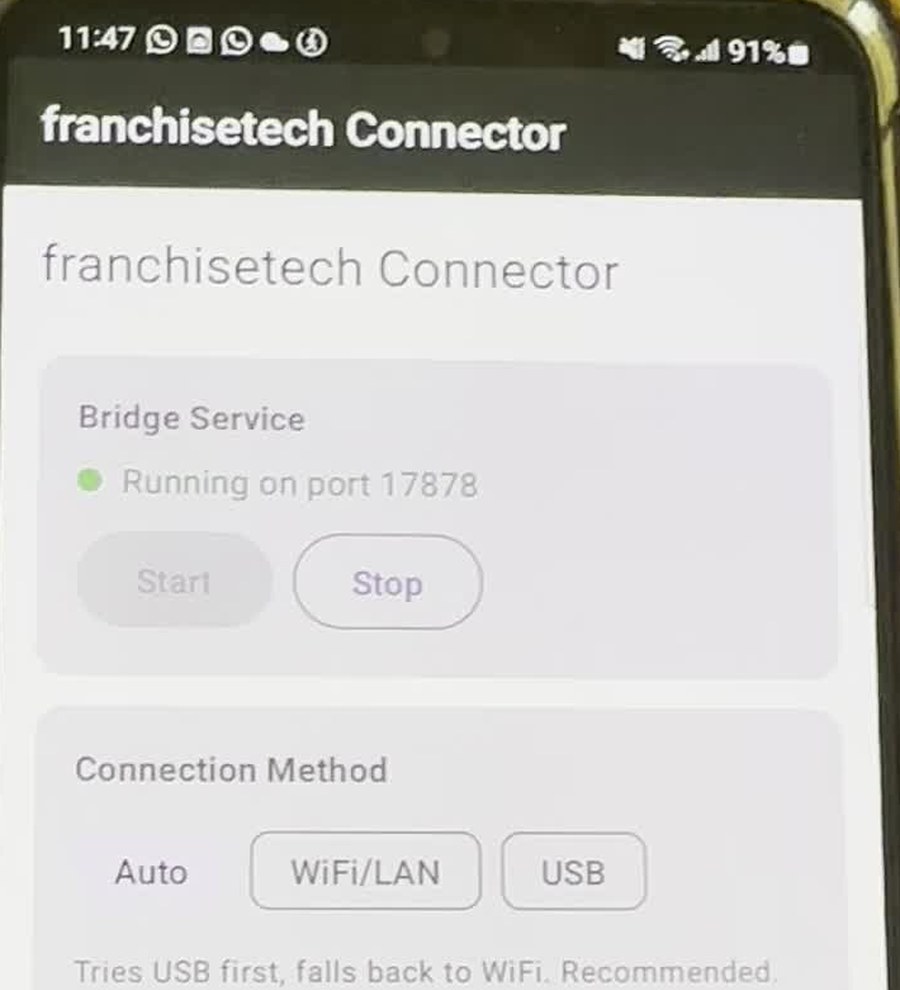
The connector is an Android app running a small embedded HTTP server, with a handful of endpoints:
GET  /health       — public, no auth
GET  /status       — configured mode, printer reachability
POST /open-drawer  — fire the actual hardware command
POST /diagnose     — walk every hardware path and explain what's wrong
/open-drawer requires a pairing token generated on-device and copied into the main product's settings, plus an Origin check locked to the production domain — an unauthenticated local server would let any page open on that device fire the till's cash drawer, which is exactly the kind of "fine in dev, dangerous in the field" shortcut worth catching early.
The distinction that actually mattered
The system is never allowed to say a drawer opened — only that a command was sent. That sounds pedantic until you think about what "success" means to a cashier: if the app says "opened" and the drawer didn't move because a cable's loose, the cashier trusts the software and walks away from cash that isn't secured.
So the connector reports command_sent the instant bytes leave the device, with zero claim about what happened physically after. A separate record — created only from an explicit human action during setup, "yes, I watched it open" — is the only thing allowed to represent real confirmation. That split isn't UI wording; it's two different database tables in the audit trail, so no future feature can quietly collapse "we told it to" into "it happened."
Software shouldn't get to claim a physical event occurred just because it didn't get an error back.
What's still unfinished
The built-in-printer path for terminals with hardware wired straight into the OS is currently detect-only — it can tell you the manufacturer's service is present but doesn't drive it directly yet, falling back to "use an external printer." A reasonable boundary for a first version, not a finished one.
If there's a theme here, it's that distributed, physically-real systems don't get a single "it worked" bit. You model the states in between — sent, unconfirmed, confirmed, failed — and refuse to collapse them just because a simpler API would be nicer to call.
Built as CTO of FranchiseTech, a HORECA/POS platform for hospitality businesses in Romania.
← More writing