Plan the week
Move tasks between days, set estimates and priorities, and see a realistic week before it starts.
Free for Mac · No account
FocusBlock is a calm planner for your Mac. It tracks how long work really takes, blocks the sites that distract you, and keeps everything in one file on your computer.
Download for Mac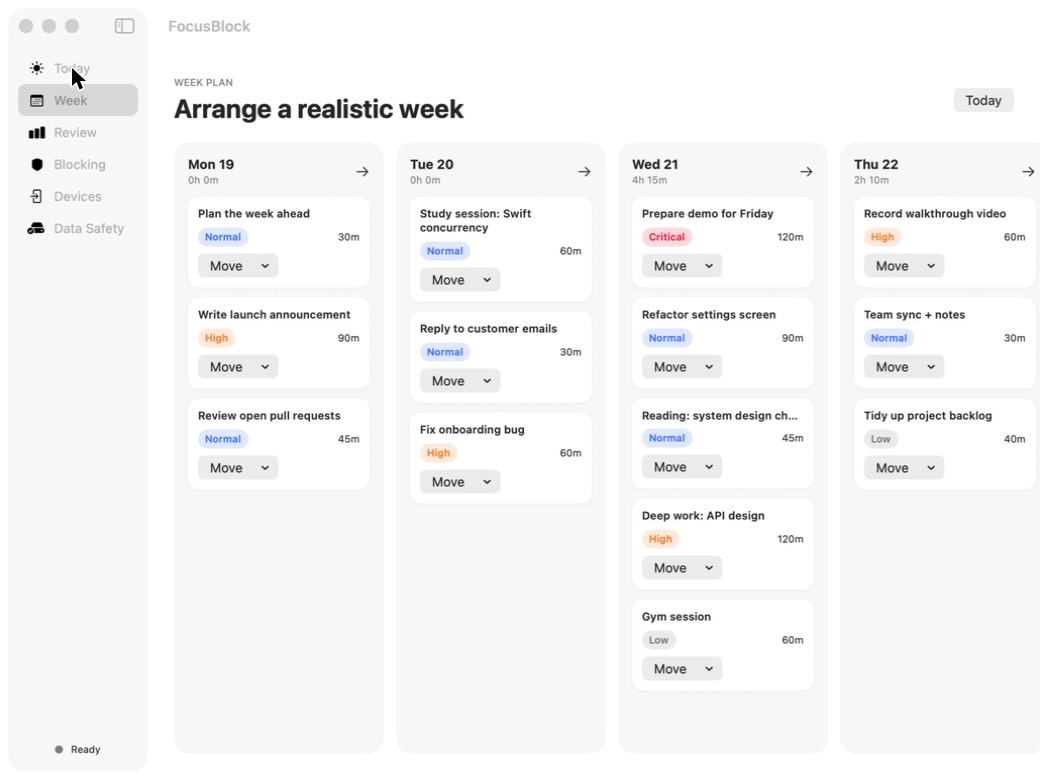
Move tasks between days, set estimates and priorities, and see a realistic week before it starts.
Start a focus session on a task and FocusBlock records the time spent. Edit it if you forget.
Pick the sites that pull you away. FocusBlock blocks them during a session, after macOS asks for your approval.
FocusBlock is local-first. Your tasks and history live in one readable file on your Mac. There is no account, no cloud and no tracking. A daily backup is saved to your Documents folder, every edit keeps the previous version, and you can export or restore a backup whenever you want. Restore checks the file first and keeps your current data safe.
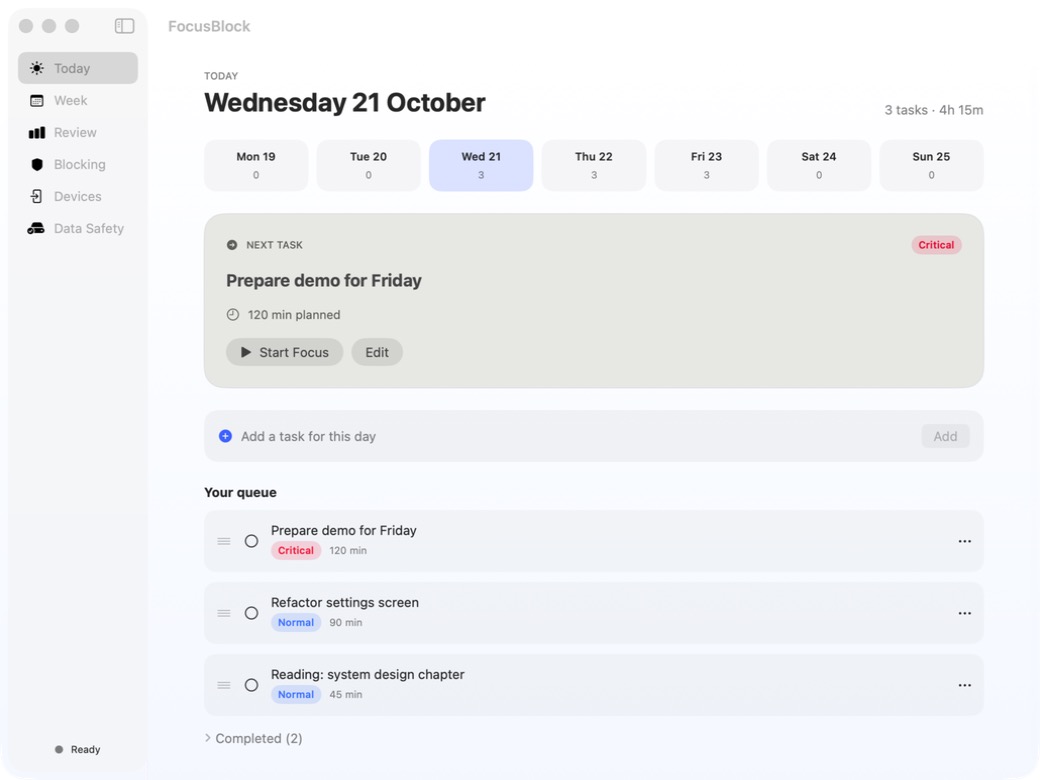
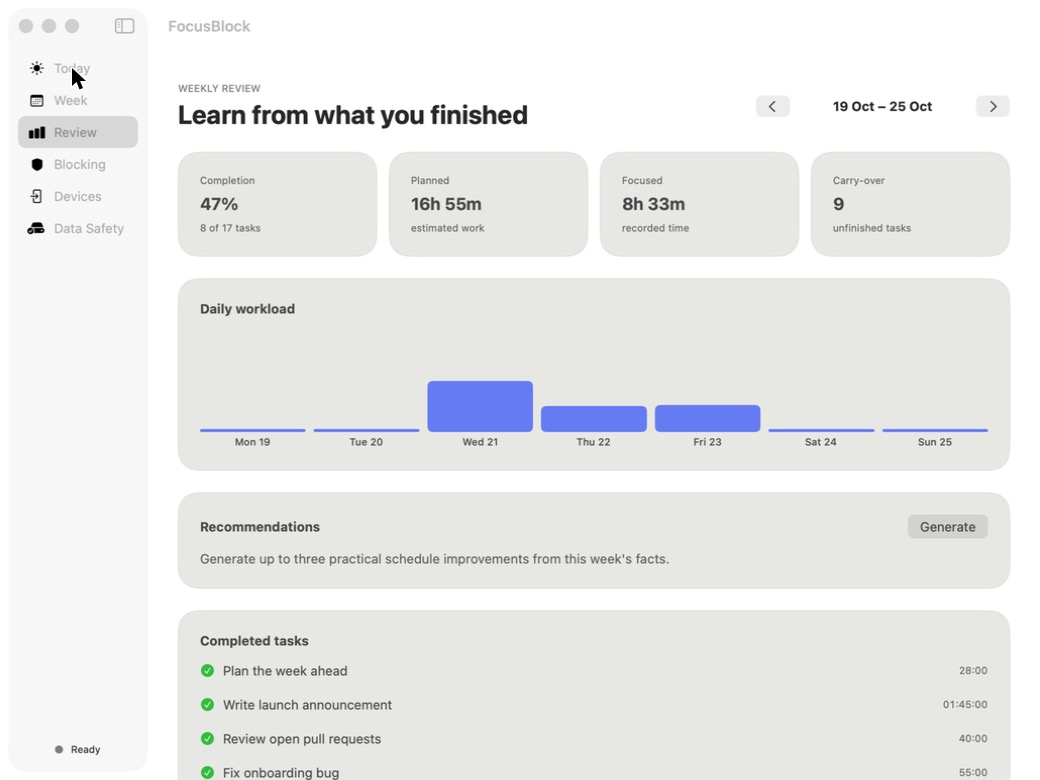
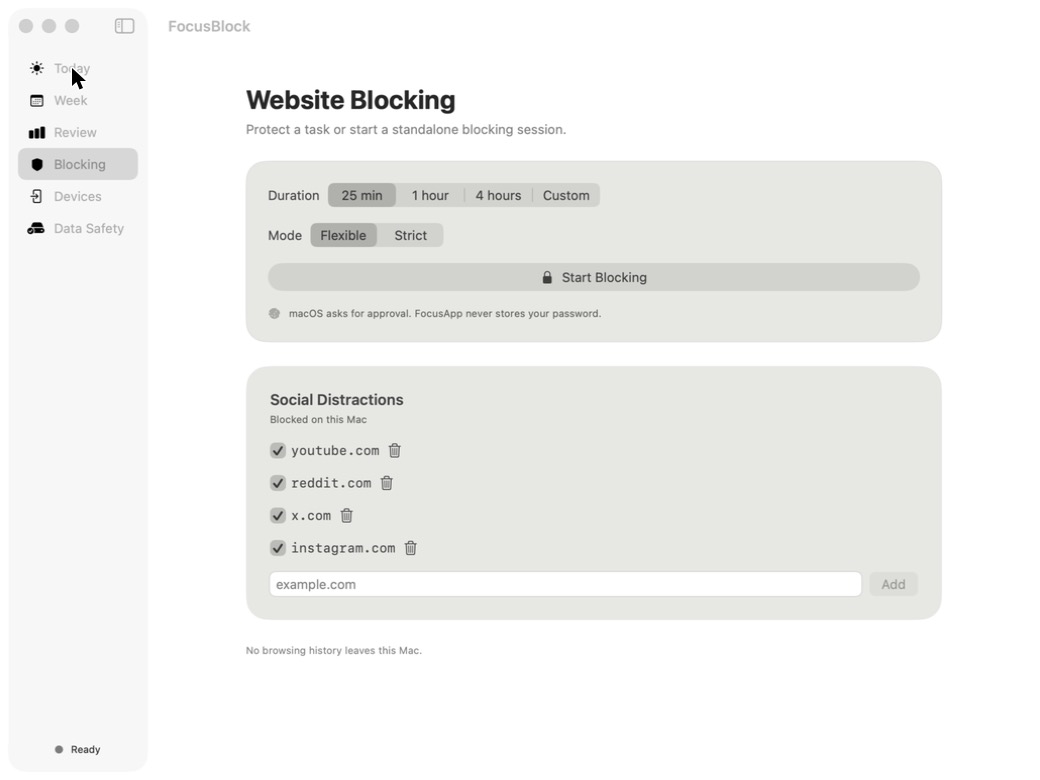
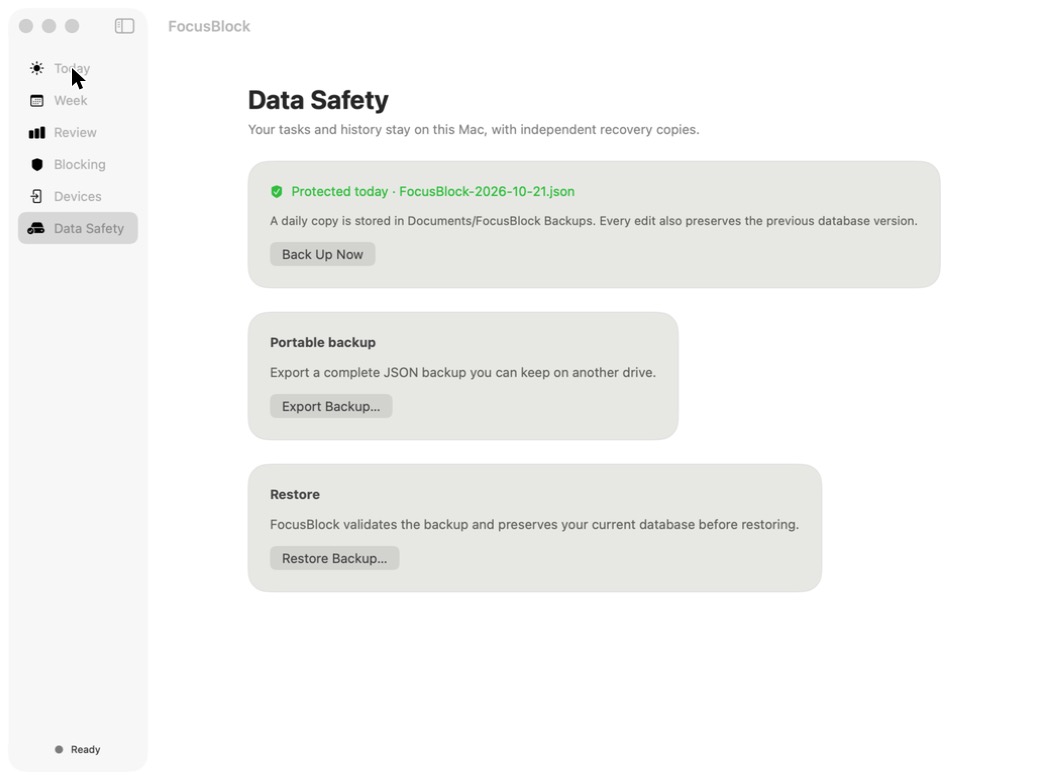
Screenshots use sample tasks.
The warning appears because this early version isn’t notarized by Apple yet. You only approve it once.
Run this in Terminal, then open the app normally:
xattr -dr com.apple.quarantine /Applications/FocusBlock.app
macOS 14 (Sonoma) or later on Apple Silicon (M1 or newer). Intel Macs aren’t supported yet.
SHA-256 of FocusBlock-0.1.0.dmg:
9a7ed1e074460d264d4b1b7c034748b5214525f8714f542dc5c5e5169f2d6b81In Terminal: shasum -a 256 ~/Downloads/FocusBlock-0.1.0.dmg